

For an introduction to what Guardrails do and common use cases, see Guardrails Overview.
Creating a Guardrail
1
Navigate to Guardrails
Go to Manage > Guardrails in the sidebar
2
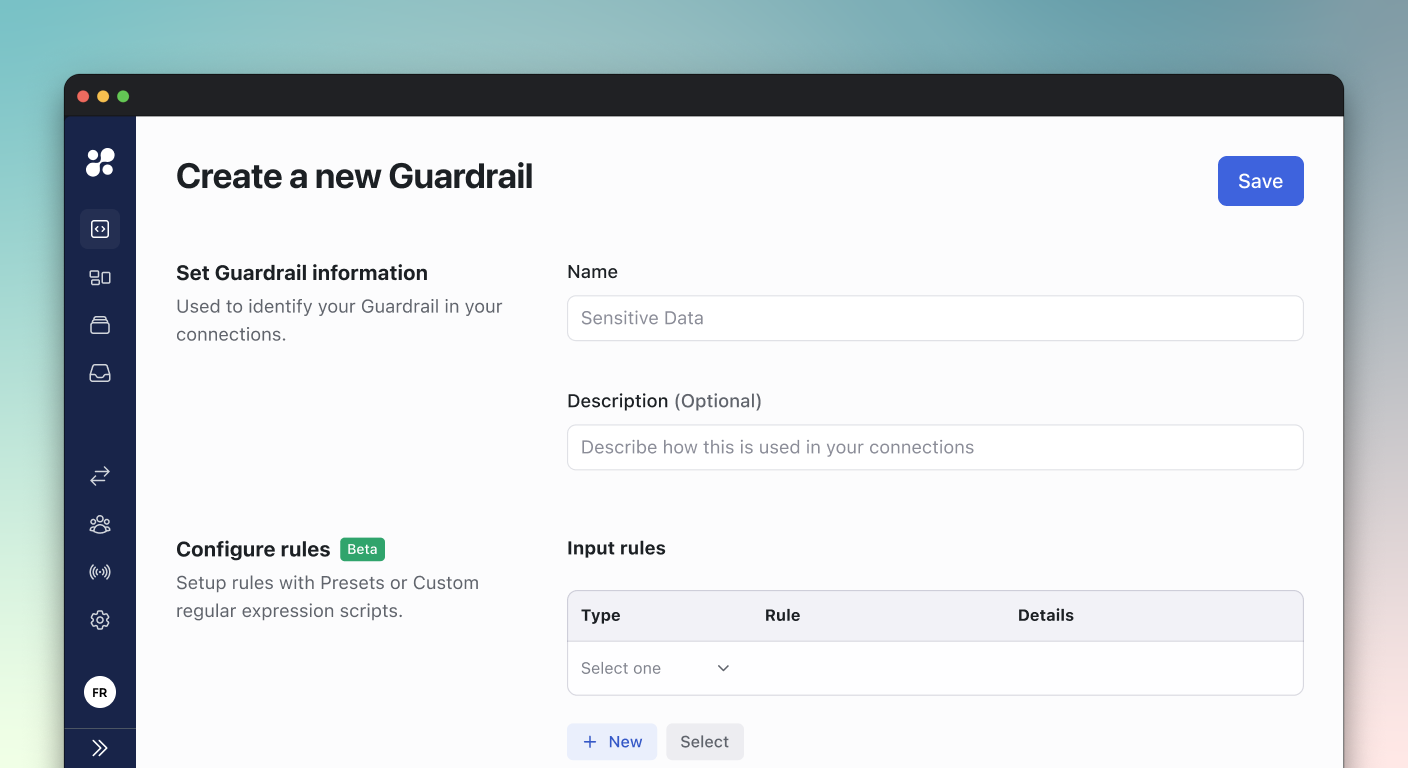
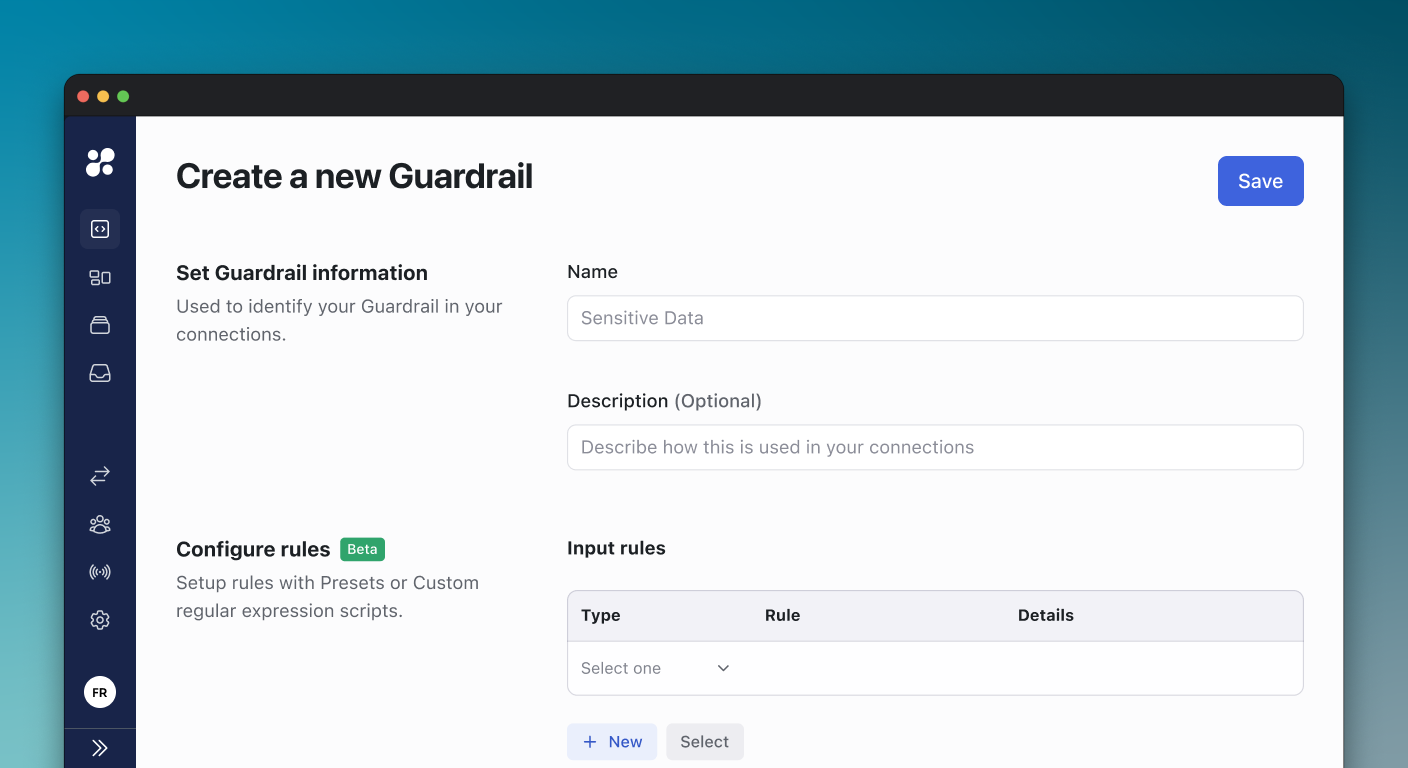
Create New Guardrail
Click Create New Guardrail in the top-right corner
3
Set Basic Information
- Name: A short identifier (e.g.,
block-ddl,read-only-mode) - Description: Explain what this guardrail protects against
4
Add Rules
Configure Input Rules and/or Output Rules (see below)
5
Assign Connections
Select which connections this guardrail applies to
6
Save
Click Save to activate the guardrail
Rule Configuration
Input Rules
Input rules evaluate queries before they execute. Use these to block dangerous commands.Output Rules
Output rules evaluate query results after execution. Use these to filter or redact output.For data masking that automatically detects PII, see Live Data Masking instead.
Pattern Syntax
Guardrails use regular expressions (regex) for pattern matching. Here are the most useful patterns:Basic Syntax
Common Patterns
Block UPDATE without WHERE:Testing Patterns
Before deploying a pattern, test it at regex101.com:- Select Flavor: ECMAScript (JavaScript)
- Paste your pattern in the Regular Expression field
- Enter test queries in the Test String field
- Verify matches highlight correctly
Actions
Block
Prevents the query from executing and returns an error. Use when: The operation should never be allowed (e.g.,DROP TABLE in production)
User sees:
Warn
Allows the query but shows a warning message. Use when: You want to educate users without blocking work (e.g., missing LIMIT) User sees:Require Approval
Blocks the query until an approver approves it. Use when: Some queries need human review before execution (e.g., bulk updates) User sees:Require Approval uses the same workflow as Action Access Requests.
Connection Assignment
Each guardrail can be assigned to multiple connections. You can also have multiple guardrails on a single connection.Assignment Options
Evaluation Order
When multiple guardrails apply to a connection, they are evaluated in order of priority:- Priority 1 (highest) evaluated first
- First matching rule determines the action
- If no rules match, query is allowed
- Go to Manage > Guardrails
- Drag guardrails to reorder them
- Higher position = higher priority
Environment Variables
These environment variables affect guardrails behavior on the gateway:Monitoring Guardrails
Viewing Blocked Queries
- Go to Sessions in the sidebar
- Filter by Status: Blocked
- Click a session to see details
- The query that was blocked
- Which guardrail and rule triggered
- The error message
- User and timestamp
Audit Log
All guardrail evaluations are logged:- Blocked queries - Logged with full query text
- Warnings - Logged with warning message
- Approval requests - Logged with request status
Best Practices
Start with Warn
Use Warn mode first to understand impact before blocking
Test in Dev First
Apply guardrails to test connections before production
Be Specific
Use precise patterns to avoid false positives
Document Rules
Write clear descriptions explaining why each rule exists
Pattern Guidelines
- Always use
(?i)for case-insensitive matching - Use
\bfor word boundaries to avoid partial matches - Use
^\s*to allow leading whitespace - Test edge cases like multi-line queries and comments
- Keep patterns simple - complex regex is hard to maintain
Troubleshooting
Pattern Not Matching
Check:- Test the pattern at regex101.com with the exact query
- Verify case sensitivity (add
(?i)if needed) - Check for leading/trailing whitespace in the query
Too Many False Positives
Fix:- Make the pattern more specific
- Add word boundaries (
\b) - Use negative lookahead for exceptions
DROP blocks DROP_SHIPPED_ITEMS table name
Fix: (?i)^\s*DROP\s+(TABLE|DATABASE) only matches DDL commands
Performance Issues
If queries are slow:- Reduce the number of rules per connection
- Simplify complex regex patterns
- Avoid patterns with excessive backtracking (e.g.,
.*.*.*)
Related
Guardrails Overview
Learn what guardrails do and see common recipes
Live Data Masking
Configure automatic PII detection and masking
Action Access Requests
Configure the “Require Approval” action
Access Control
Control who can access which connections