> ## Documentation Index
> Fetch the complete documentation index at: https://hoopdev-docs-improve-idp-sso-pages.mintlify.site/llms.txt
> Use this file to discover all available pages before exploring further.
# Web App Overview
> Get started with Hoop.dev's powerful web interface for managing secure infrastructure access
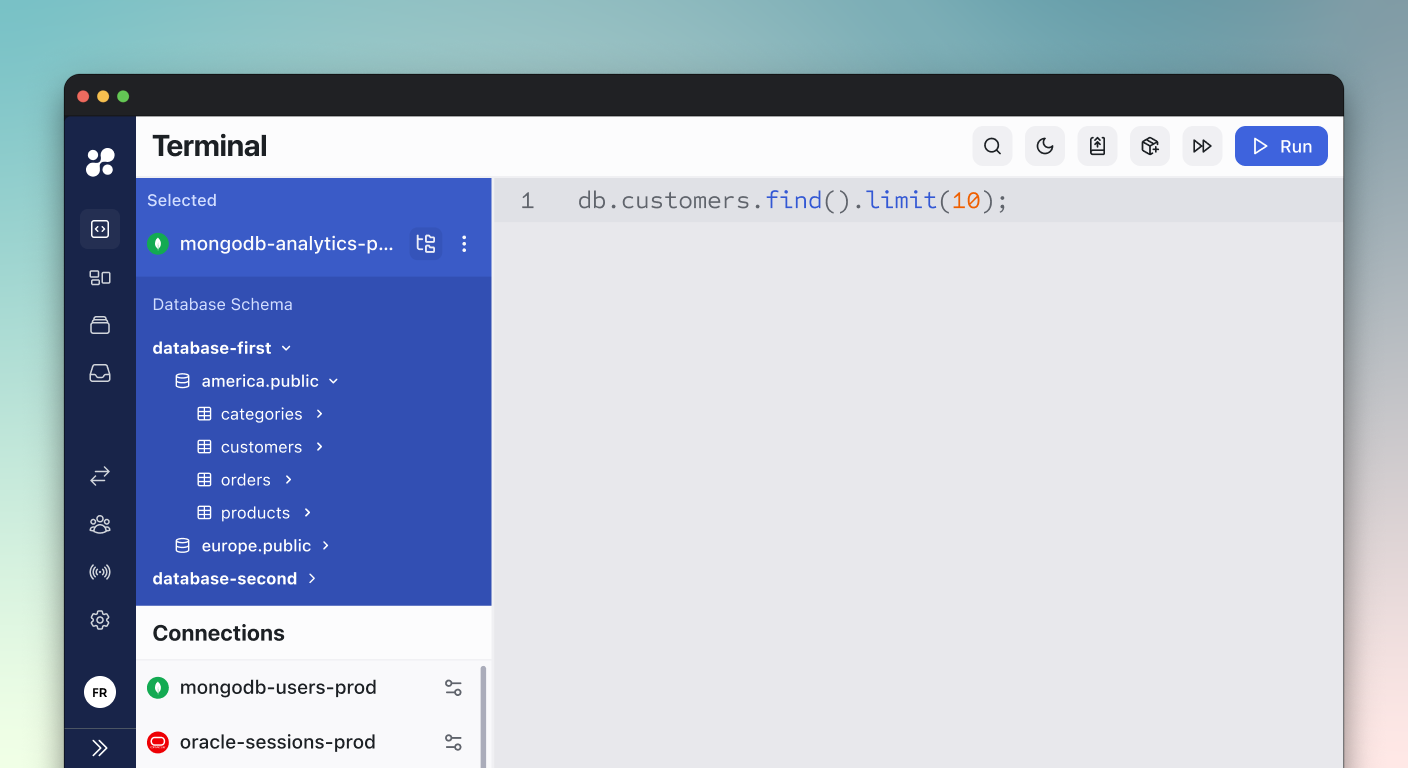
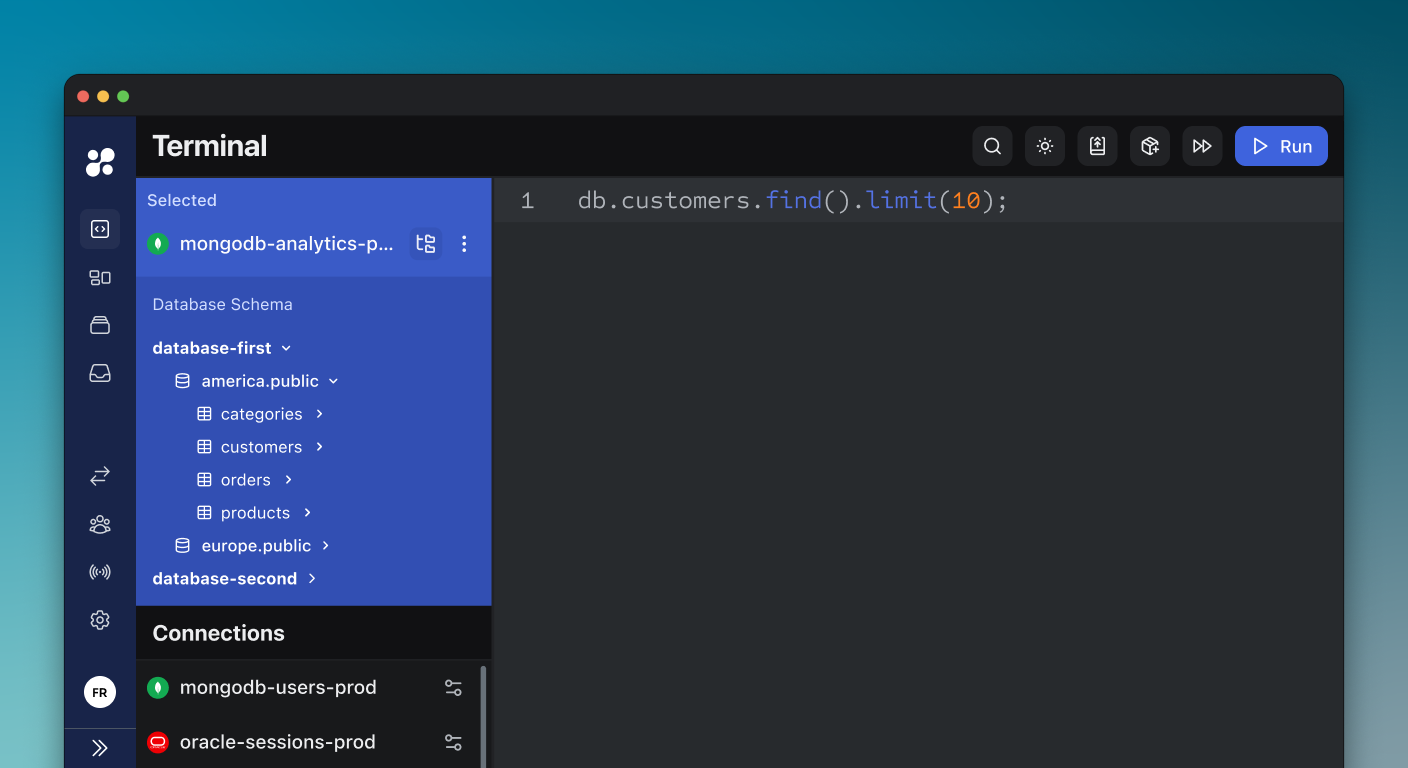 Our Web App is your central interface for managing secure access to your infrastructure. It provides a modern, intuitive interface for creating and managing connections, controlling access policies, and monitoring user sessions - all while maintaining robust security through AI-powered features.
## Key Features
Create and manage secure connections to your databases, servers, and cloud services. Configure access settings, security policies, and monitoring options all in one place.
Define who can access what with granular permission controls. Integrate with your identity provider and manage group-based access policies effortlessly.
Protect your infrastructure with intelligent access controls and real-time command filtering. Prevent risky operations while maintaining team productivity.
Leverage AI-powered data masking, access requests, and session monitoring to ensure comprehensive protection of your infrastructure.
## Core Components
### Dashboard
Your central hub for monitoring activity, managing connections, and accessing key features:
* Quick access to all your connections
* Activity monitoring and alerts
* System status and health metrics
* Recent session history
### Connection Manager
Create and manage connections to various resources:
* Databases (PostgreSQL, MySQL, MongoDB, etc.)
* Cloud Services (AWS, Kubernetes)
* Web Applications and APIs
* Development Environments
### Access Control Panel
Comprehensive tools for managing who can access what:
* User and group management
* Role-based access control
* Integration with identity providers
* Policy configuration
### Session Monitor
Real-time visibility into all access sessions:
* Live session monitoring
* Session recordings and playback
* Audit logs and reports
* Activity analytics
## Getting Started
Access Hoop.dev's web interface at [use.hoop.dev](https://use.hoop.dev) for our managed service, or through your self-hosted installation URL.
## Next Steps
Learn how to set up and configure different types of connections.
Our Web App is your central interface for managing secure access to your infrastructure. It provides a modern, intuitive interface for creating and managing connections, controlling access policies, and monitoring user sessions - all while maintaining robust security through AI-powered features.
## Key Features
Create and manage secure connections to your databases, servers, and cloud services. Configure access settings, security policies, and monitoring options all in one place.
Define who can access what with granular permission controls. Integrate with your identity provider and manage group-based access policies effortlessly.
Protect your infrastructure with intelligent access controls and real-time command filtering. Prevent risky operations while maintaining team productivity.
Leverage AI-powered data masking, access requests, and session monitoring to ensure comprehensive protection of your infrastructure.
## Core Components
### Dashboard
Your central hub for monitoring activity, managing connections, and accessing key features:
* Quick access to all your connections
* Activity monitoring and alerts
* System status and health metrics
* Recent session history
### Connection Manager
Create and manage connections to various resources:
* Databases (PostgreSQL, MySQL, MongoDB, etc.)
* Cloud Services (AWS, Kubernetes)
* Web Applications and APIs
* Development Environments
### Access Control Panel
Comprehensive tools for managing who can access what:
* User and group management
* Role-based access control
* Integration with identity providers
* Policy configuration
### Session Monitor
Real-time visibility into all access sessions:
* Live session monitoring
* Session recordings and playback
* Audit logs and reports
* Activity analytics
## Getting Started
Access Hoop.dev's web interface at [use.hoop.dev](https://use.hoop.dev) for our managed service, or through your self-hosted installation URL.
## Next Steps
Learn how to set up and configure different types of connections.
**Get Started**
Configure access policies and user permissions.
**Learn More**